Getting started
Publish a graph, then run it.
You do not assemble workers, queues, and a checkpoint store first. Draw the workflow, publish a version, and start an execution. The host keeps the record.
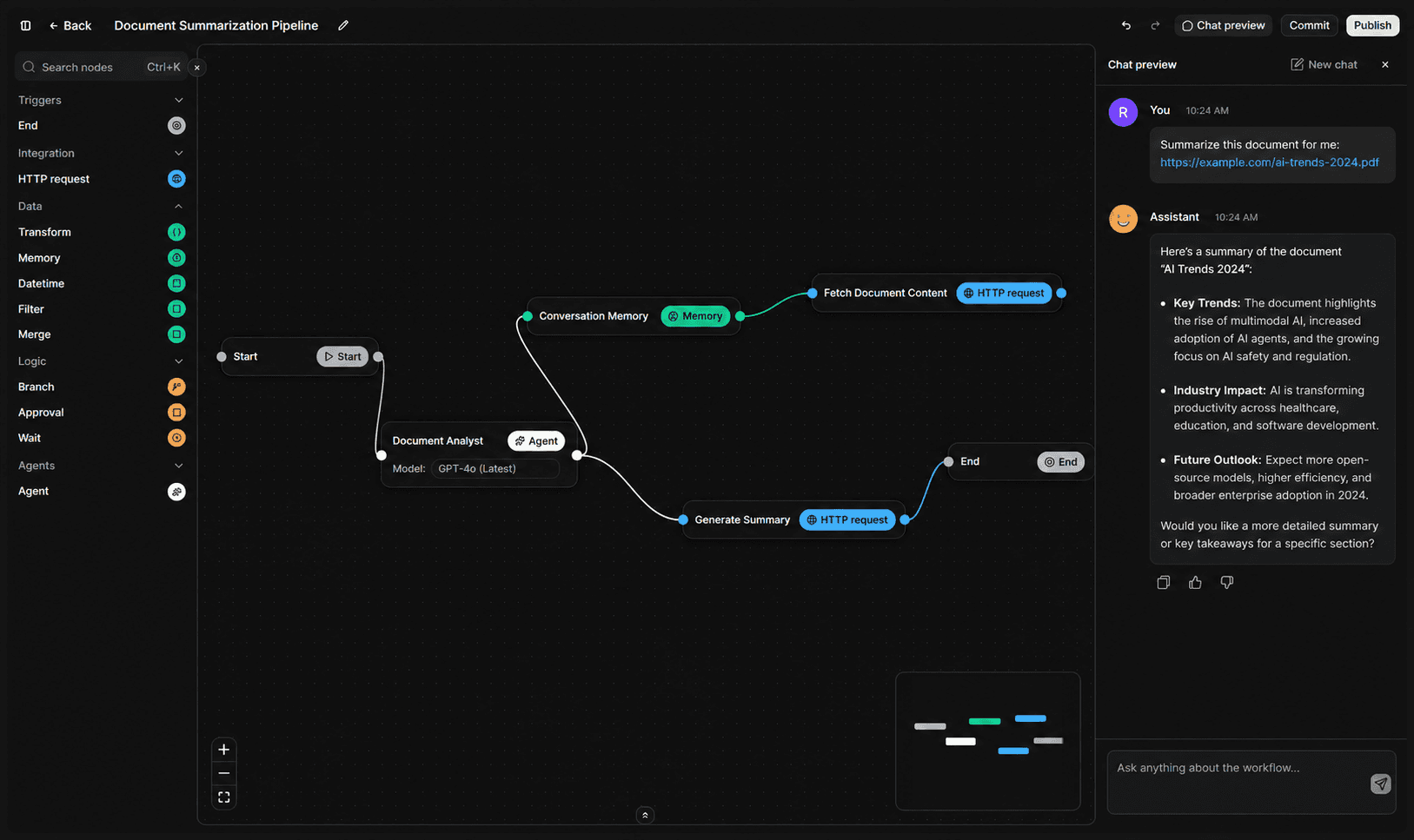
- draw the graph, publish a version, start an execution
- 3 movesdraw the graph, publish a version, start an execution
- to start a run: by hand, a webhook, a schedule, or the TypeScript SDK
- 4 waysto start a run: by hand, a webhook, a schedule, or the TypeScript SDK
- writes a checkpoint, so the host keeps the record of the run
- Every nodewrites a checkpoint, so the host keeps the record of the run
First run
Three moves, then the host takes the graph.
The agent is what you ship. The workflow is the versioned graph behind it.
- 01
Draw the graph
Author the workflow on the canvas: a trigger, nodes, and the edges between them. Prompts, tools, and business logic stay yours.
- 02
Publish a version
Publish freezes that graph. The host runs the version you published, so the canvas you reviewed is the execution that starts.
- 03
Start an execution
Run it by hand, from a webhook, on a schedule, or from your app with the TypeScript SDK. Each start is one run of that version.
Where to go next
The pages that follow the first run.
From the blog
Keep reading.
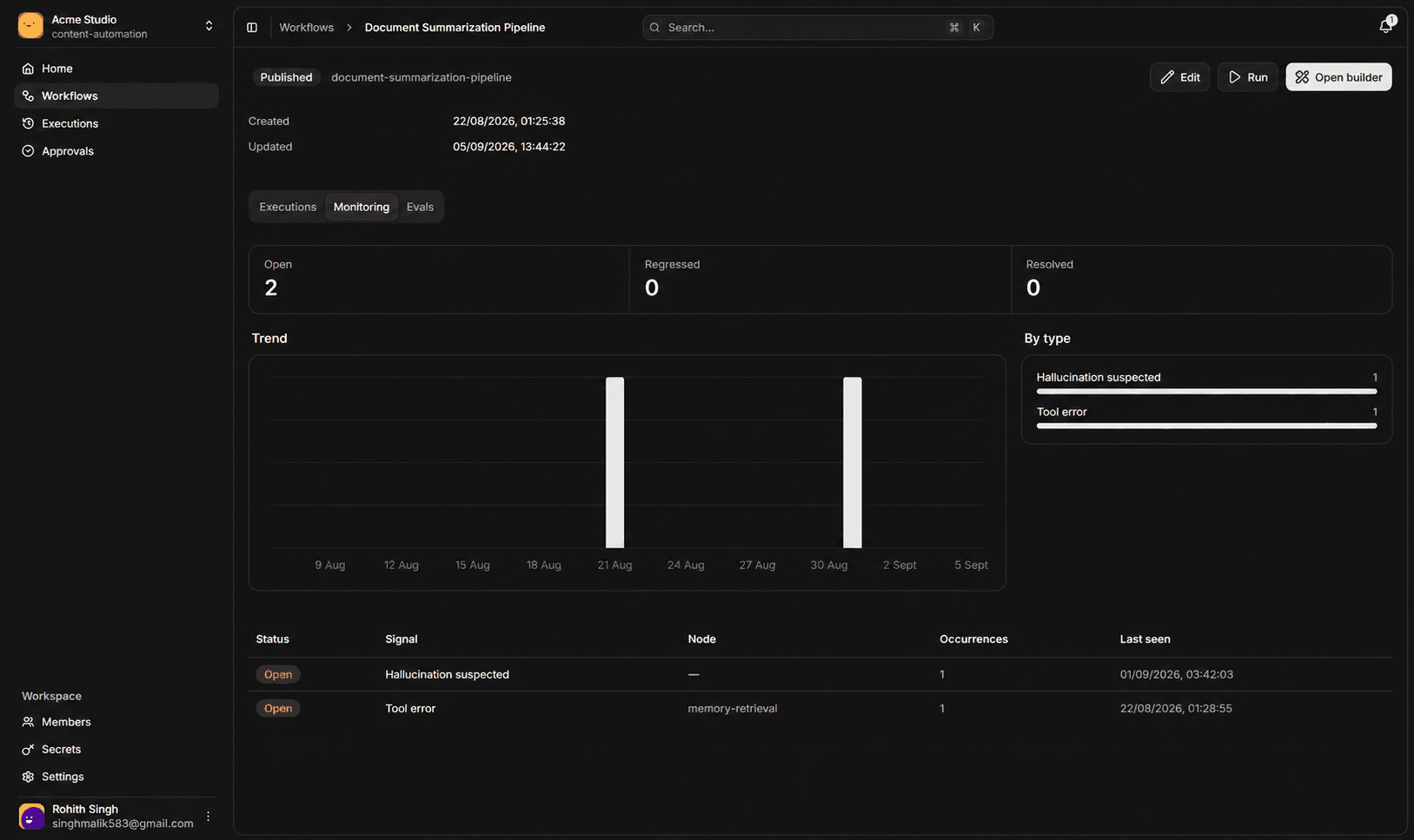
An approval pauses the run, not a worker
A paused run releases its lease and holds no worker. It waits until someone decides, then the approval node returns the decision and the run continues from that step.
Linea Labs
Nov 17, 2026
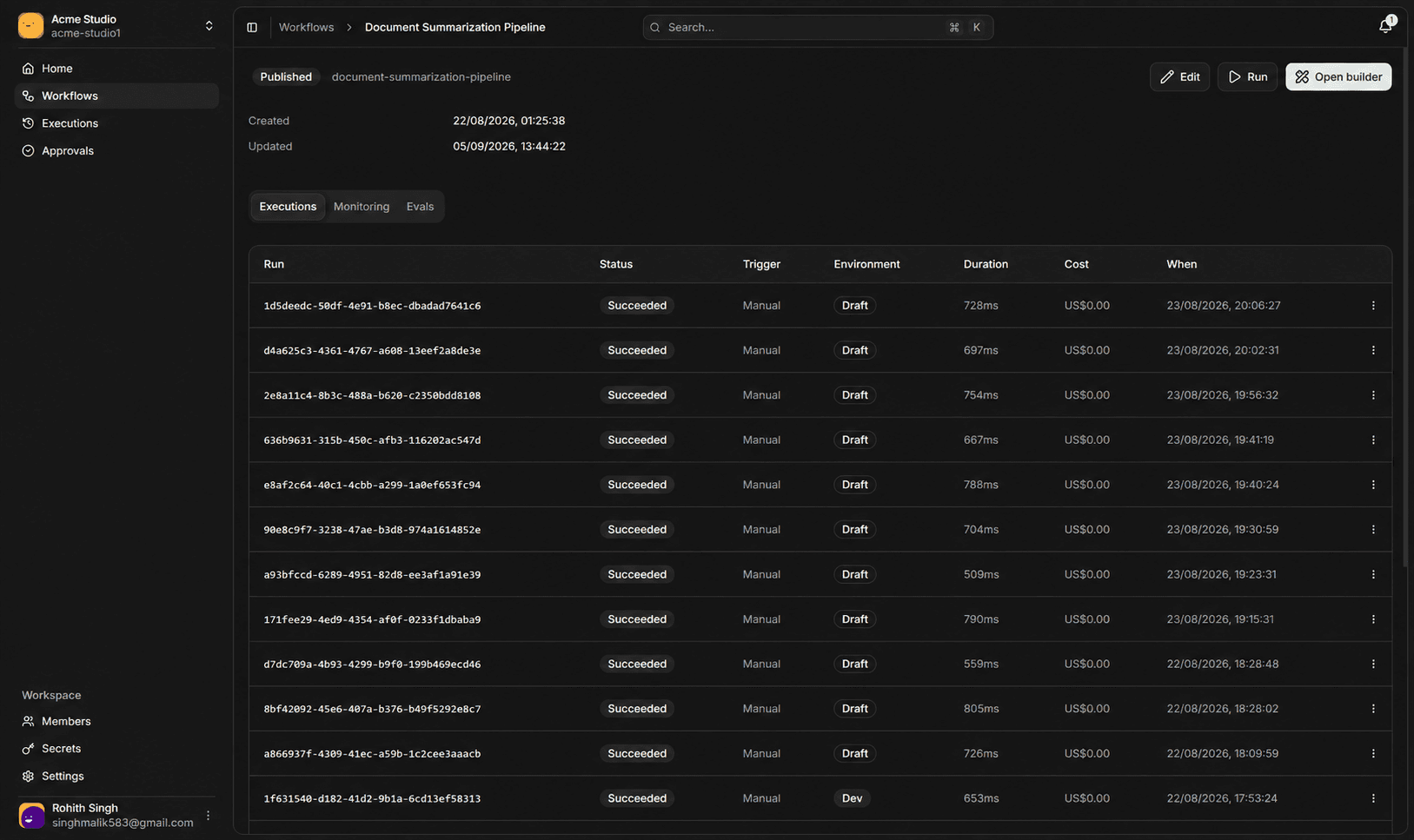
Why every execution is pinned to one version
An execution records its workflow version once, when it starts, and never follows a live pointer. That is why resume and replay still mean something weeks after a graph has changed.
Linea Labs
Nov 17, 2026
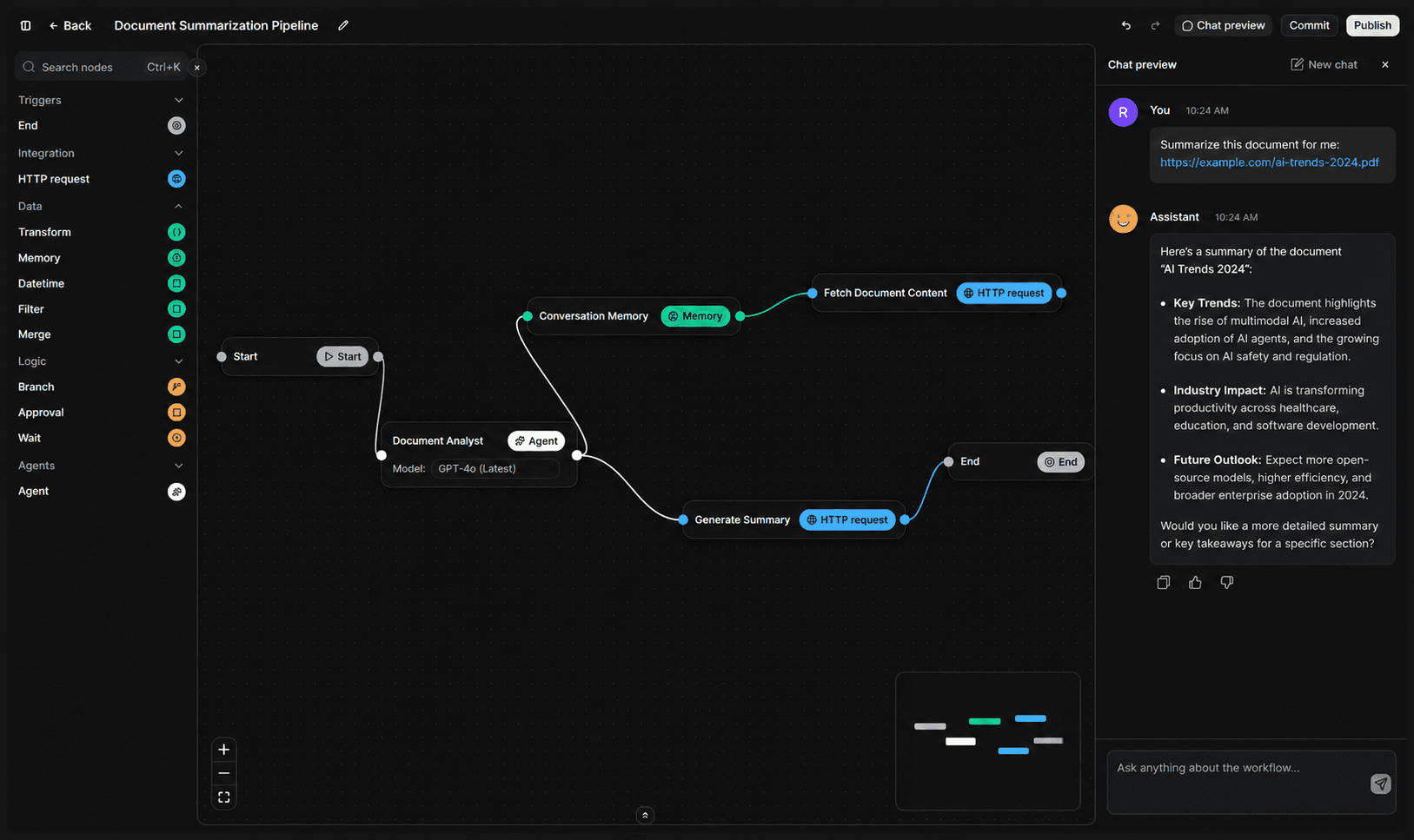
What happens when a worker dies mid-run
A worker holds a 30 second lease and renews it every 10 seconds. If it dies, the lease expires, another worker claims the run, and the run resumes from the last checkpoint.
Linea Labs
Nov 17, 2026
Questions
Questions about this page.
Do I have to use the visual builder?
No. Every published version is a JSON graph the host runs exactly as published. You can author that graph in the visual builder, or create workflows and save drafts and versions through the TypeScript SDK with a workspace API key. Publishing a version and binding it to an environment need a signed-in admin in the dashboard. The SDK also starts executions, reads their results, and verifies webhooks.
What is Linea?
Linea is an agentic runtime and control plane. You ship an agent to your users. Linea executes the workflow graph behind it — model calls, tools, waits, approvals, and memory — and keeps the records around the run: checkpoints, signals, approvals, and regressions.